



Can you imagine a day without an internet connection?
become Wi-Fi (Wi-Fi) An indispensable part of our daily lives, as it enables us to browse the web, watch movies, work remotely, and communicate with friends and family at any time and from anywhere.. But have you ever wondered how this amazing technology works?
Wi-Fi (Wi-Fi), an abbreviation for Wireless FidelityIt is a technological system that allows devices such as smartphones, computers, and tablets to connect to the Internet without the need for wires. is used Wi-Fi (Wi-Fi) Widely used in fixed places such as homes and offices, and works on frequencies 2.4 GHz and5 GHz.
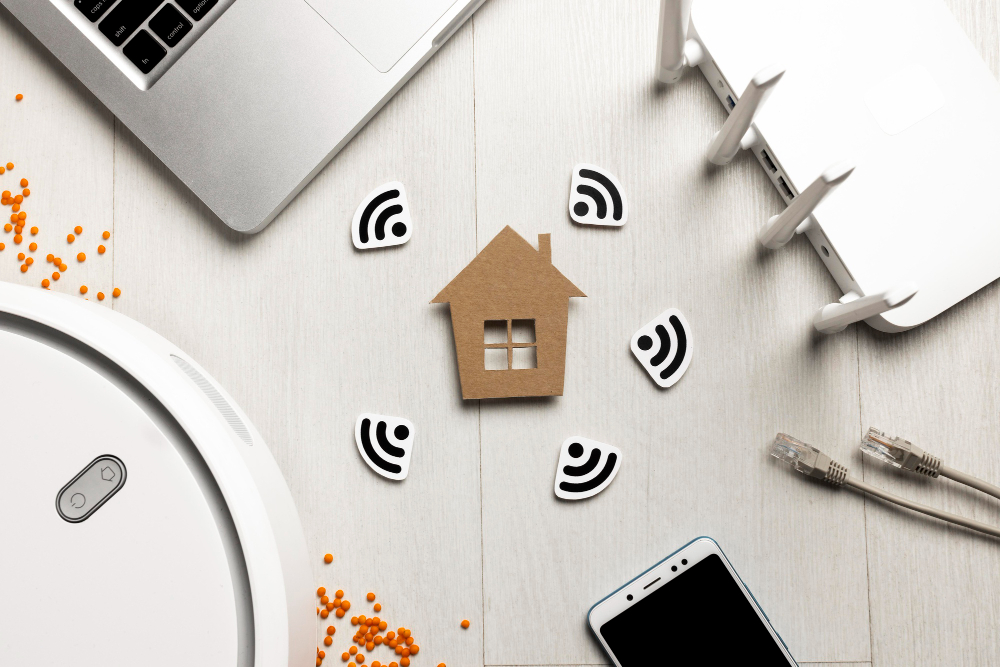
You can think about Wi-Fi (Wi-Fi) As a digital bridge that connects your device to the Internet, allowing you to browse the web, watch content, and stay connected to the digital world flexibly and easily.. In other words, Wi-Fi (Wi-Fi) Enables your devices to “communication” With each other and with the Internet in a wireless way.
How does it work?
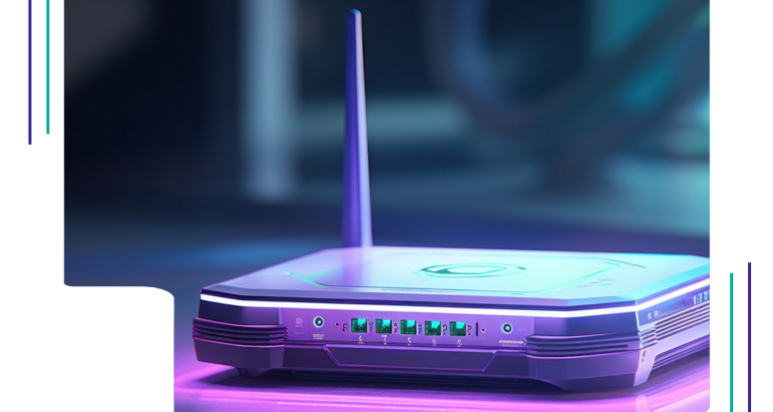
- Router (Router): It is the central device in the wireless network. The router receives the Internet signal from the service provider via a cable, and then converts this signal into radio waves of a specific frequency (like 2.4 gigahertz or 5 GHz).
- Wireless signal: They are electromagnetic waves that carry encoded information. These waves are broadcast in all directions from the router.
- Wireless devices: Contains electronic devices (Such as smart phones and laptops) On wireless network cards that receive these waves. These cards decode the signal and extract data from it.
- Channels: The frequency band used for WiFi is divided into multiple channels. Each channel operates at a specific frequency, in order to avoid interference between different devices.
- Protocols: Wi-Fi networks use specific protocols to organize data transfer, such as 802.11n or 802.11ac.. These protocols specify data transfer speed, coverage range, and encryption methods.
The difference between two channels 2.4 gigahertz and 5 GHz in Wi-Fi networks
- Frequency range (Frequency Band):
- • 2.4 GHz: This channel has a wider frequency range, allowing its signals to better penetrate walls and obstacles. Therefore, it provides wider coverage in large areas or places with many obstacles, such as thick walls.
- • 5 GHz: This channel has a narrower frequency range, which makes its signals less able to penetrate walls and obstacles. Therefore, their coverage is lower, but still useful in open environments or close to the router.
Data transfer speed
- • 2.4 GHz: The data transfer speed on this channel is much lower due to congestion than other devices that use the same frequency, such as microwave ovens and Bluetooth devices.. This congestion can lead to reduced speed and increased interference.
- • 5 GHz: This channel provides a much higher data transfer speed because it is less congested. This makes it ideal for high-speed applications such as HD video streaming and online gaming.
How to strengthen the Wi-Fi signal in your home
- • Center: Try to place the router in a central place in your home to ensure wide coverage.
- • Height: Place the router on a shelf or table, off the floor, to reduce interference with other signals.
- • Away from obstacles: Avoid placing the router near thick walls or electronic devices that may affect signal quality.
Use newer routers
- • Specifications: Choose a router that supports the latest Wi-Fi standards such as Wi-Fi 6, which provides faster speeds and better coverage.
- • Antennas: Make sure your router has adjustable external antennas to improve performance.
How to strengthen the Wi-Fi signal in your home
- • Firmware update: Update your router software regularly to get the latest features and fix problems.
- • Avoid interference: Choose a different Wi-Fi channel to avoid interference with other networks. You can use special apps on your phone to choose the least crowded channels.
- • Use Ethernet cables: To connect devices that need high speed, such as gaming consoles or smart TVs, use an Ethernet cable for better performance.
- • Inspect the walls: If your home's walls are made of signal-blocking materials, you may need solutions like in-line power transformers (Powerline adapters) To improve coverage.
Other reasons for weak signal

- • Number of connected devices: As the number of devices connected increases, the performance of each device may decrease.
- • Obstacles: Thick walls and other electronic devices may weaken the signal.
- • The distance between the devices and the router: The greater the distance, the weaker the signal.
In our digital age, Wi-Fi is an essential component of our daily lives, making it easier for us to surf the Internet and stay connected. By understanding how Wi-Fi works and applying some tips to improve your signal, you can boost the quality of your connection and have a better Internet experience. By following these steps, you will be able to make the most of your Wi-Fi and ensure a fast and stable connection in your home or office.



Leave a comment